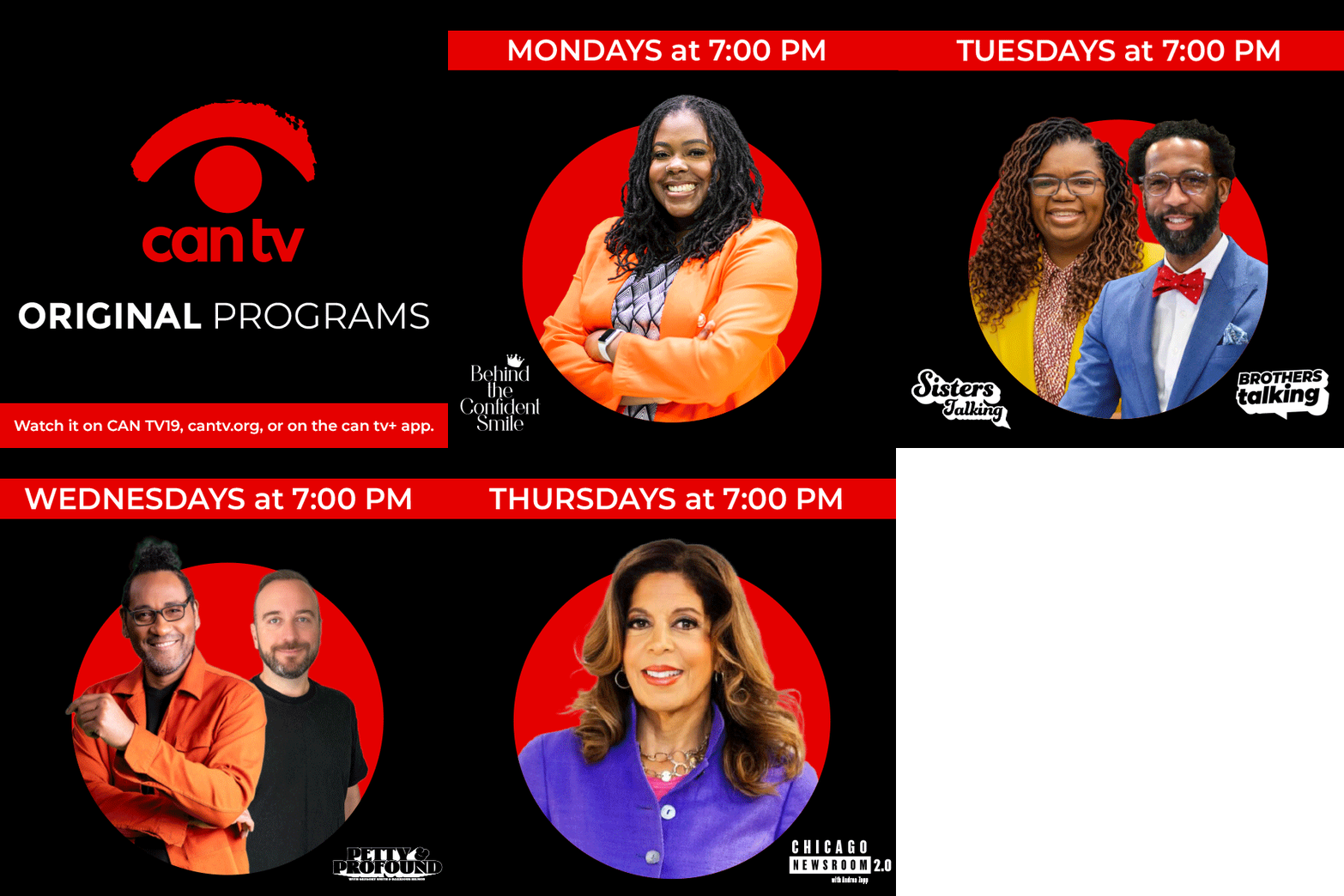
Amplify Your Reach
Any Chicago nonprofit organization, Chicago resident who is 18 or older, or 17 and under–with adult supervision, can submit a video for free. Just follow these steps.
- Register as a Program Submitter by providing:
- The completed CAN TV Policy Agreement
- Proof of age
- Proof of Chicago Residence
- A Gmail account is required for submitting videos online (click here if you don’t have one)–a shared drive will be created as your personal space to upload your videos to CAN TV
- If you are a Chicago nonprofit, also bring proof of nonprofit status and a letter from senior management authorizing you to submit videos on behalf of the organization
Follow the MP4 file specifications below for videos.
CAN TV is commercial-free, so your videos cannot advertise, mention, show, or endorse commercial businesses, products, or services. Your videos cannot violate copyright, privacy, libel, or other laws. See the full list of Content Rules.
Have a question or issue?
Call 312-738-2845 or email us.
Don’t miss this opportunity to connect with television viewers across Chicago. Submit your video today to reach over a million viewers on CAN TV.
With the Gmail address you provide, a shared Google Drive folder will be created for you to upload your video files. Instructions will be emailed to you but can be found here.
If you do not have a Gmail account, you can easily create one for free here.
Using the Google Chrome Google Drive application go to Shared with Me
Open the folder titled: LastName-FirstName_CAN-TV. Copy the video file and paste it inside the circle in the middle of the window.
Complete and submit the online Video Submission form for each video.
*Receiving the Video Submission form tells Program Services that you uploaded a new file. Do not skip this step.
New to using Google Drive? Here is a video (https://www.youtube.com/watch?v=aI4sjTD-siM) to help guide you through the steps of submitting online.
DVD’s with the video file on it will be accepted as well. You can drop them off or mail them in. A Video Submission form is required for each video.
For assistance call Program Services at 312-738-2845 or traffic@cantv.org.
CAN TV operates five channels, 19, 21, 27, 36 and 42. You will be informed of the day, time and channel for each video. CAN TV channels are in every cable household in Chicago with over 1 million potential viewers.
The 10th of each month is the deadline for the next month’s schedule. You may submit your videos and forms any time before the 10th; the earlier the better.
A technical check will be made of each video. You will be contacted if corrections are needed. Be sure to follow the content rules.
You will be notified of premiere play dates via email from traffic@cantv.org.
Make sure that this email address goes to your inbox and not to spam.
Promote your play times on CAN TV on your social media, send emails to everyone; tell your family, friends and neighbors! Share the excitement of having your video on television!
Stay in touch. Follow CAN TV on Twitter, Instagram and Facebook: @cantvchicago
When exporting your video from an editing program:
- Start and end each video with 4 seconds of black video before and after the program
- Video file format can be MP4 (MPEG 4).
*Mac users: change the file suffix from .m4v to .mp4
*If .mp4 is not possible, other file types might work; call Program Services for assistance: 312-738-2845 - Rename the file with specific information i.e. My Show Title ep.101
Video Resolution
- TV standard: NTSC
- Frame width: 1280 pixels
- Frame height: 720 pixels
- Pixel aspect ratio: 16:9
- Frame rate: 59.94
- Bitrate: Between 6-8 Mbps
- Bitrate encoding: CBR (constant)
Audio
- Format: MPEG
- Audio layer: MPEG-1, Layer II audio
- Audio mode: Stereo
- Frequency: 48 kHz
Have a question?
Have a question or issue? We will be happy to assist you.
Call Program Services at (312)738-2845 or email us at traffic@cantv.org.
Hours
Monday-Friday: 10 a.m. to 8 p.m.
Closed Saturdays and Sundays